Mark pipeline as failed
Last updated on
The Mark as Failed button in the pipeline execution details page is used to mark any running pipeline as failed. Selecting this button sends a failure interrupt to all currently executing stages of the pipeline, triggering their failure strategies.
Requirements
- You must have
Executepipeline permission to be able to mark a pipeline as failed. - You must enable
Allow users to mark a running Step as failurein your Harness account's default settings.
Marking a pipeline as failed
You can use the Mark as Failed option to mark a running pipeline as failed.
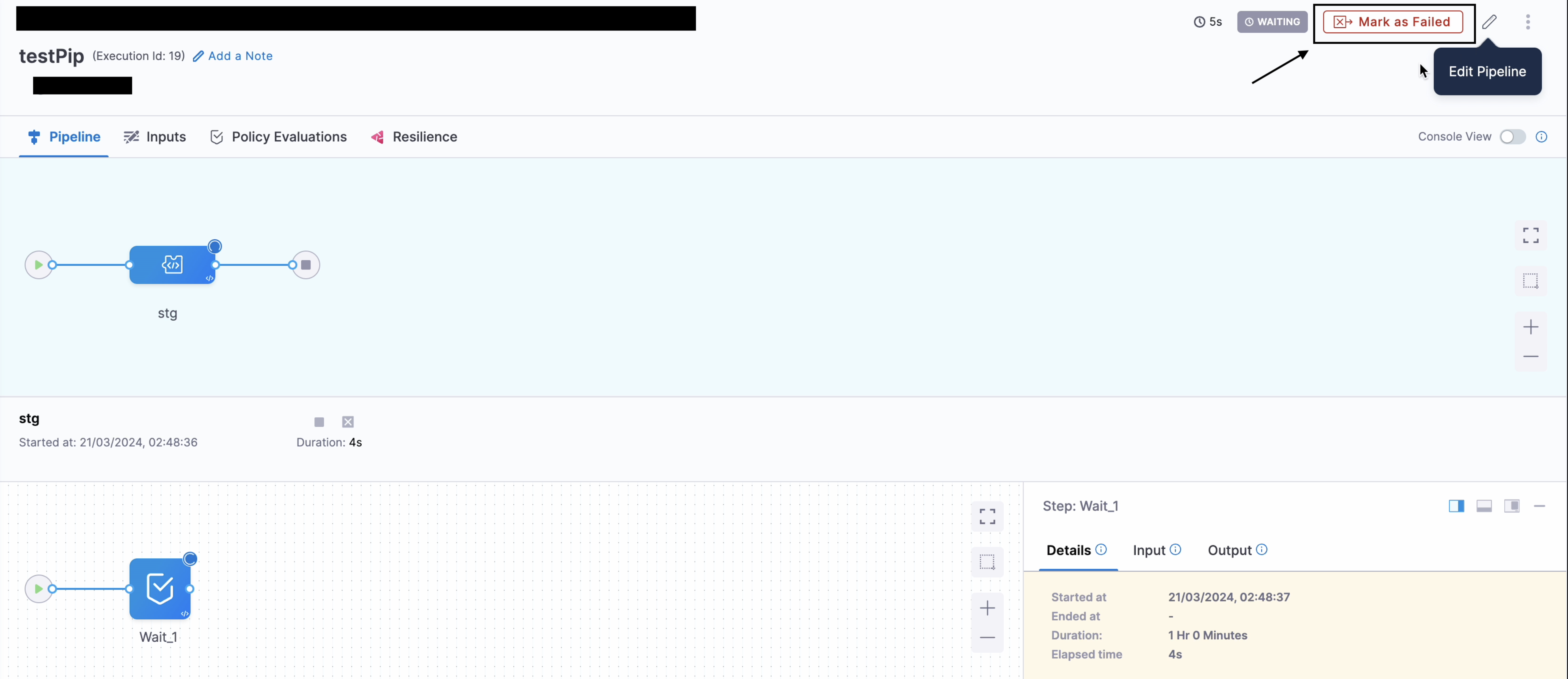
After marking a pipeline as failed, Harness fails running and queued stages. Completed stages aren't marked as failed.
note
If a pipeline is configured with failure strategy like Ignore Failure or Retry, the execution might continue even after Mark as Failure is sent.
Difference between marking a stage as failed and marking a pipeline as failed
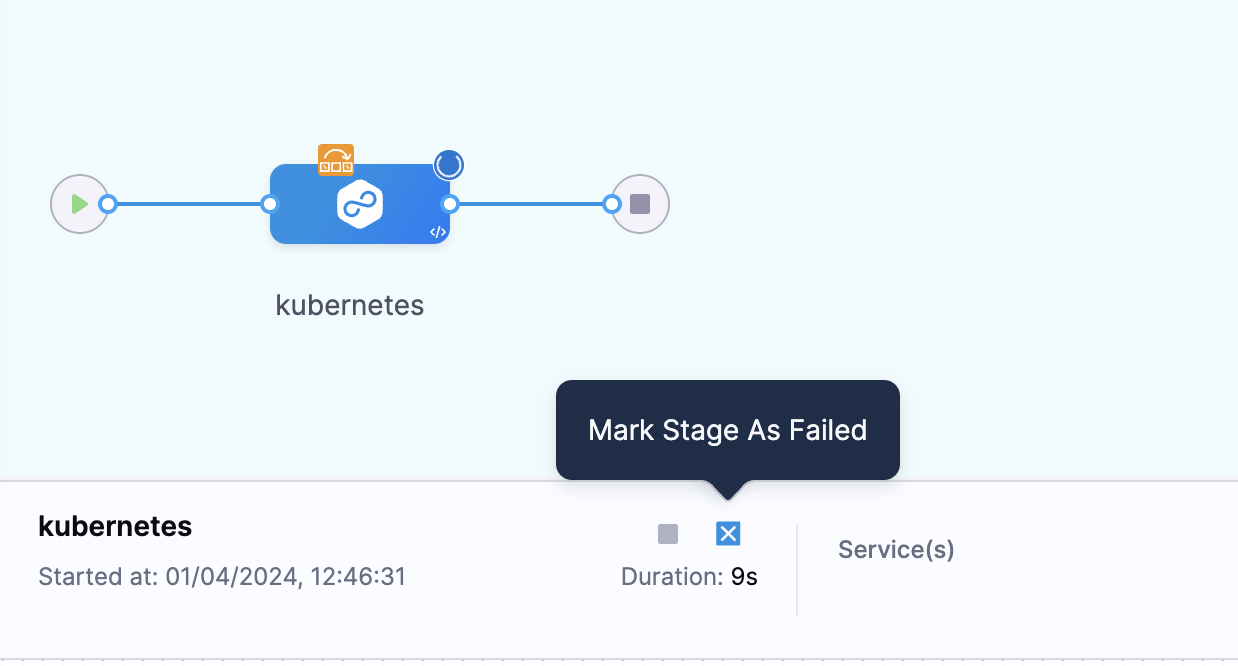
You can mark an entire pipeline or a single stage as failed.
Here's the difference between these options:
- If there is only one stage running when you mark either the stage or pipeline as failed, both options have the same impact.
- If parallel stages are running, then marking the pipeline as failed stops all running parallel stages. Marking one stage as failed only stops that stage.